Theme
How to Remove Background From Images Online Using Free AI — Sahioye

How to Remove Background From Images Online Using Free AI — Sahioye
🚀
Jump to tool: Open →
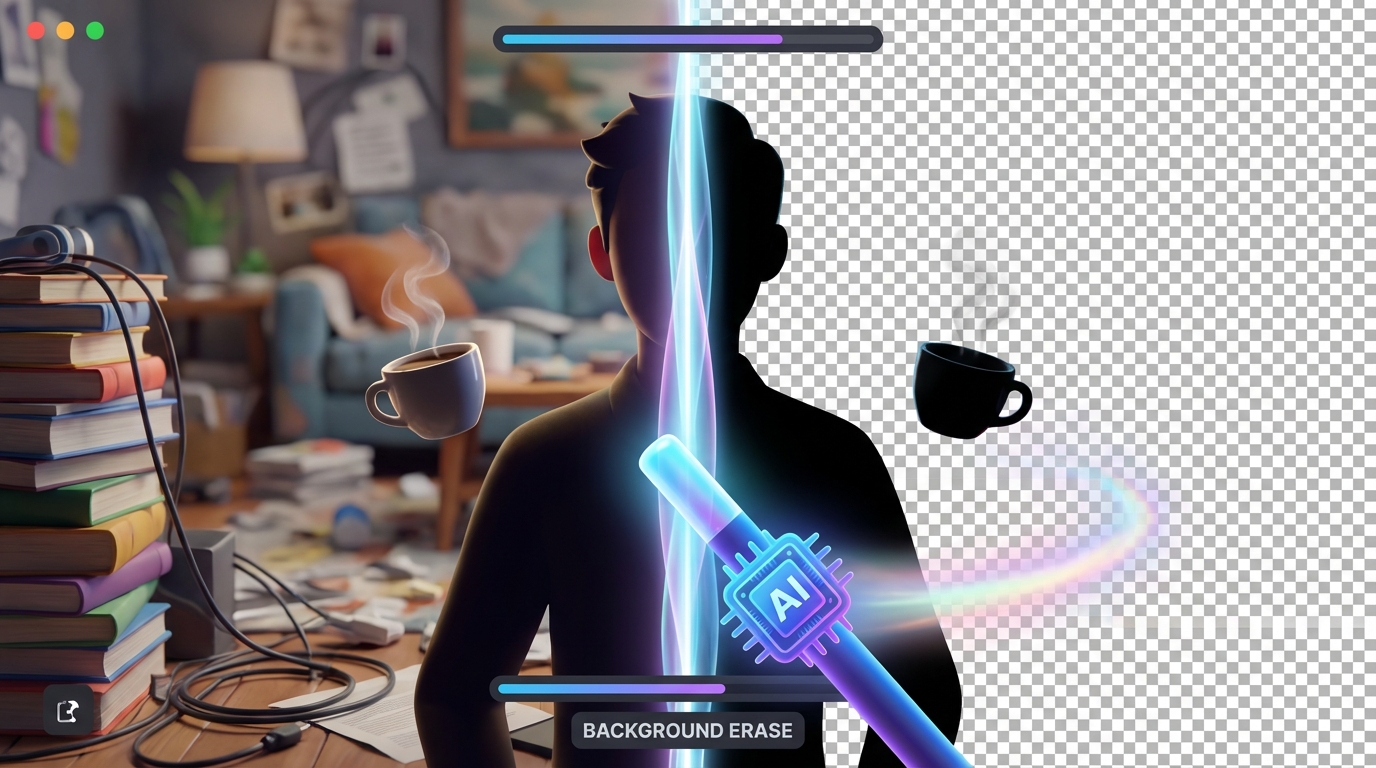
If you are looking to perfectly Remove bg seamlessly and securely, you’re in the right place.
Taking a great photo is easy, but separating the subject from a messy background usually requires expensive tools like Photoshop and years of editing practice. Whether you need a transparent logo, a professional LinkedIn headshot, or a product image for your e-commerce store, Sahioye’s AI Background Remover acts like professional studio magic right inside your browser.
AI
Powered Edge Detection
5s
Average Speed
Free
No Premium Plans
How to Remove Image Backgrounds — Step by Step
Watch the magic happen in just three clicks. No lasso tools, no painful manual tracing—our AI handles everything.
Upload Your Image
Visit the Sahioye Remove Background tool. Upload the image you want to edit. For the best results, ensure the main subject is clearly visible and in focus.
Wait for the AI Scan
As soon as you upload, our AI model instantly scans the image to map out the foreground subject—whether it’s a person, a car, or a product—and isolates it from the background.
Download Your Transparent PNG
Within seconds, your background will vanish, replaced by a transparent checkerboard pattern. Just click “Download” and you’ll receive a pristine PNG file ready to be placed on any new background!
💡
Pro Tip: To get the sharpest and cleanest cutout, use photos where there is high contrast between the subject and the background. Dark hair on a dark wall confuses AI, but dark hair on a white wall works perfectly!
⚠️
Note: The final output is always saved as a PNG file. This is because standard JPG images do not support transparency (they would simply fill your erased background with white).
Why Sahioye vs Other BG Removers
You have probably tried tools like Remove.bg before, only to realize downloading a high-quality image costs money. Say goodbye to that paywall.
| Feature | Sahioye Image | Remove.bg | Photoshop |
|---|---|---|---|
| HD Export | ✅ 100% Free full resolution | ❌ Costs ‘Credits’ per HD image | ✅ Included in subscription |
| Cost | ✅ Free Forever | ⚠️ Expensive subscription | ❌ Expensive monthly fee |
| Ease of Use | ✅ Automatic AI (1 click) | ✅ Automatic AI | ⚠️ Requires manual skills |
| Privacy | ✅ Best-in-class local limits | ❌ Uploads to their cloud | ✅ Desktop stored |
Ready to Make Custom Cutouts?
Create stunning YouTube thumbnails, professional presentation slides, or flawless e-commerce product photos instantly.
Frequently Asked Questions
[Paste these into RankMath FAQ Block in Gutenberg]
Q: Do I have to pay to download HD quality?
A: No! Unlike other platforms that force you to buy credits for high-resolution downloads, Sahioye allows you to export your transparent images in full HD for absolutely free.
Q: Does this work on animals and hair?
A: Yes. The AI model is trained specifically to handle difficult textures like fur, curly hair, and transparent objects like glasses.
Q: Will my photo be used to train AI models?
A: Absolutely not. Sahioye prioritizes your privacy. Your files are processed securely and are never stored on our servers or used for data harvesting.
Q: Why did my background turn white instead of transparent?
A: Ensure that you are downloading and saving the file as a .PNG. If you try to save or convert it to a JPG format on your device, the transparent area will automatically turn solid white.
–>
Related Tools You Might Find Useful
Conclusion and Final Thoughts
In conclusion, mastering how to safely Remove bg is essential for optimizing your personal digital workflow today. Rather than relying on extremely expensive native applications or confusing software suites that compromise your privacy, choosing a highly modern, incredibly fast, and fully browser-based alternative offers unparalleled flexibility. Whenever you need to efficiently remove bg, you should always look for solutions that guarantee immediate processing speeds, absolute data privacy without random server uploads, and unlimited free access across all your specific devices (mobile phones, tablets, and desktop computers).
Furthermore, taking the extra time to Remove bg natively utilizing these sophisticated techniques will profoundly enhance your operational bandwidth, saving countless administrative hours in the long run. Embracing lightweight platforms allows you to completely bypass any tedious software installations or ridiculous subscription fees entirely. Ultimately, whether you are a dedicated professional, a busy digital marketer, a student, or simply someone trying to cleanly Remove bg at home, the overall benefits of adopting simple, 100% secure, offline-first client-side tool sets cannot be overstated.
Ready to Start?