Theme
Convert WebP to JPG Online: 3 Amazing Solutions in 1 Place

Convert WebP to JPG Online: 3 Amazing Solutions in 1 Place
🚀
Jump to tool: Open Tool →
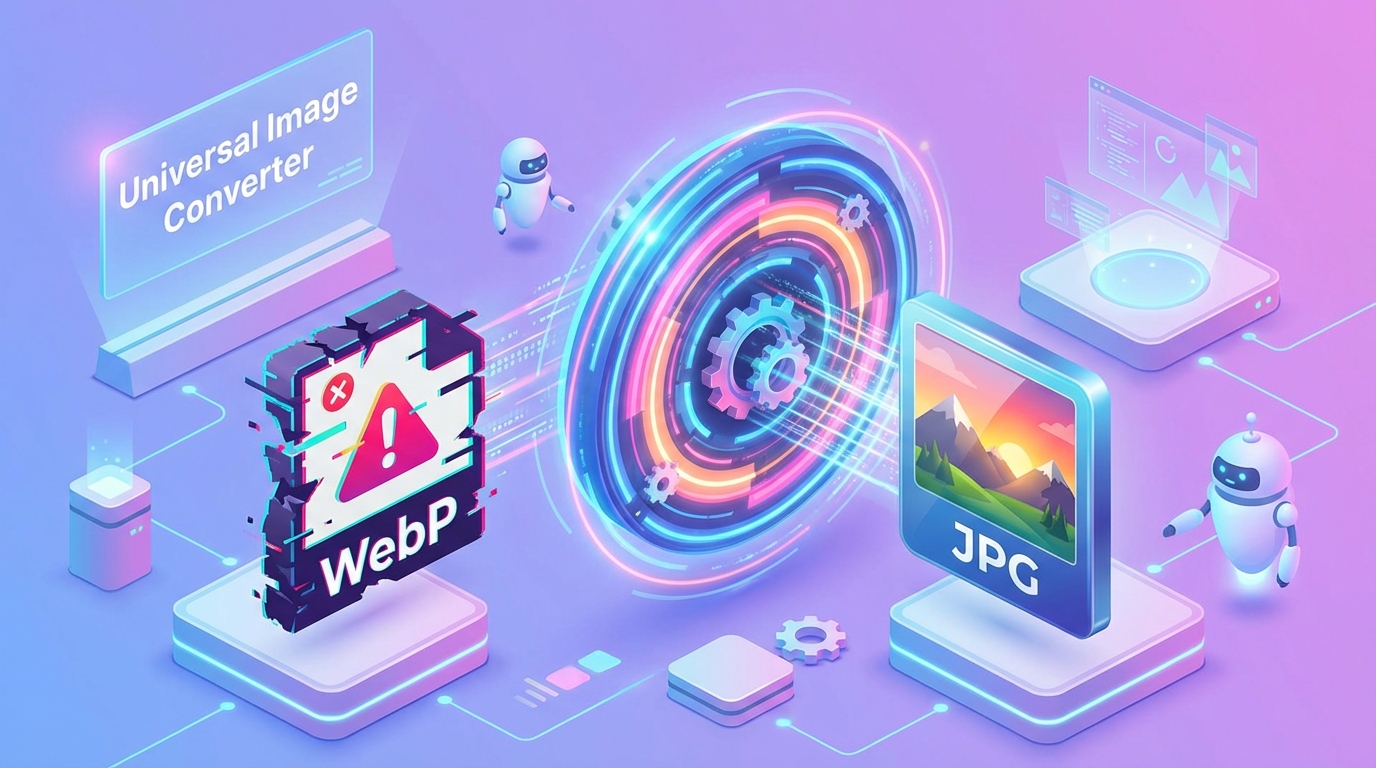
Are you trying to convert WebP to JPG online because a downloaded image simply refuses to open? You are certainly not alone. The WebP format is fantastic for website speed, but it is notoriously frustrating for everyday users who just want to share a picture.
Many older photo viewers, social media platforms, and editing apps still reject WebP files entirely. This means you must convert WebP to JPG online if you want universal compatibility. Luckily, it is a process that takes literally seconds using modern web tools.
Tool Spotlight: Sahioye WebP to JPG Converter
Stop fighting with incompatible formats. Our dedicated image utility allows you to convert WebP to JPG online instantly, securely, and completely free within your browser.
Stop fighting with incompatible formats. Our dedicated image utility allows you to convert WebP to JPG online instantly, securely, and completely free within your browser.
Why You Need to Convert WebP to JPG Online Today
Developed by Google, the WebP format provides superior compression for websites. However, the JPG (or JPEG) format has been the undisputed king of digital photography since the 1990s. When you convert WebP to JPG online, you are bridging the gap between new web tech and legacy software.
Have you ever downloaded a meme or a product photo, only to realize Instagram or Photoshop won’t accept it? That is exactly why this conversion is so crucial. By transforming the image, you guarantee that it can be viewed on any smartphone, television, or computer worldwide.
Furthermore, learning how to convert WebP to JPG online means you never have to ask clients or friends to resend files. You take control of your digital assets independently.
Fun Fact: The JPG format is universally supported by literally 100% of modern web browsers and operating systems, making it the safest image format in existence.
3 Rapid Steps to Convert WebP to JPG Online
You don’t need to be a graphic designer to perform this task. Just follow these simple, automated steps.
1
Drop Your Image
Open our utility and drag your stubborn WebP file straight into the upload box.
Drop Your Image
Open our utility and drag your stubborn WebP file straight into the upload box.
2
Automatic Processing
The system will instantly analyze the pixel data and convert WebP to JPG online in real-time, applying maximum quality retention.
Automatic Processing
The system will instantly analyze the pixel data and convert WebP to JPG online in real-time, applying maximum quality retention.
3
Instant Download
Hit the download button. Your new, universally compatible JPG image is now ready for uploading to Facebook, Instagram, or any other platform.
Instant Download
Hit the download button. Your new, universally compatible JPG image is now ready for uploading to Facebook, Instagram, or any other platform.
Software vs. Web Converter Comparison
Many people assume they need Photoshop to handle image conversions. Let’s compare the traditional route with our modern, browser-based solution.
| Factor | Sahioye Image Converter | Professional Software |
|---|---|---|
| Price | Absolutely Free | Expensive License Fees |
| Speed | Under 2 Seconds | Takes minutes to load |
| Ease of Use | 1-Click Simplicity | Complex Menus |
Privacy Check: We value your privacy. When you convert WebP to JPG online with our service, images are processed securely within your browser and are never saved to public servers.
Frequently Asked Image Questions (FAQs)
Will I lose image quality during the switch?
Our engine uses high-quality rendering to ensure that when you convert WebP to JPG online, the human eye cannot detect any difference in visual quality.
Can I upload the new JPG to social media?
Absolutely. Every major platform, including WhatsApp, Twitter, and Facebook, perfectly supports the output JPG files from our tool.
Is this service functional on my mobile phone?
Yes! You can convert WebP to JPG online directly from your iPhone or Android browser without installing any extra applications.
Discover More Free Design Tools
If you often work with pictures, you will love our other free utilities at the Sahioye Hub.
Conclusion and Final Thoughts
In conclusion, mastering how to safely Convert WebP to JPG Online is essential for optimizing your personal digital workflow today. Rather than relying on extremely expensive native applications or confusing software suites that compromise your privacy, choosing a highly modern, incredibly fast, and fully browser-based alternative offers unparalleled flexibility. Whenever you need to efficiently convert webp to jpg online, you should always look for solutions that guarantee immediate processing speeds, absolute data privacy without random server uploads, and unlimited free access across all your specific devices (mobile phones, tablets, and desktop computers).
Furthermore, taking the extra time to Convert WebP to JPG Online natively utilizing these sophisticated techniques will profoundly enhance your operational bandwidth, saving countless administrative hours in the long run. Embracing lightweight platforms allows you to completely bypass any tedious software installations or ridiculous subscription fees entirely. Ultimately, whether you are a dedicated professional, a busy digital marketer, a student, or simply someone trying to cleanly Convert WebP to JPG Online at home, the overall benefits of adopting simple, 100% secure, offline-first client-side tool sets cannot be overstated.
Ready to Start?