Theme
How to Resize Images Online Free Without Losing Quality — Sahioye

How to Resize Images Online Free Without Losing Quality — Sahioye
🚀
Jump to tool: Open →
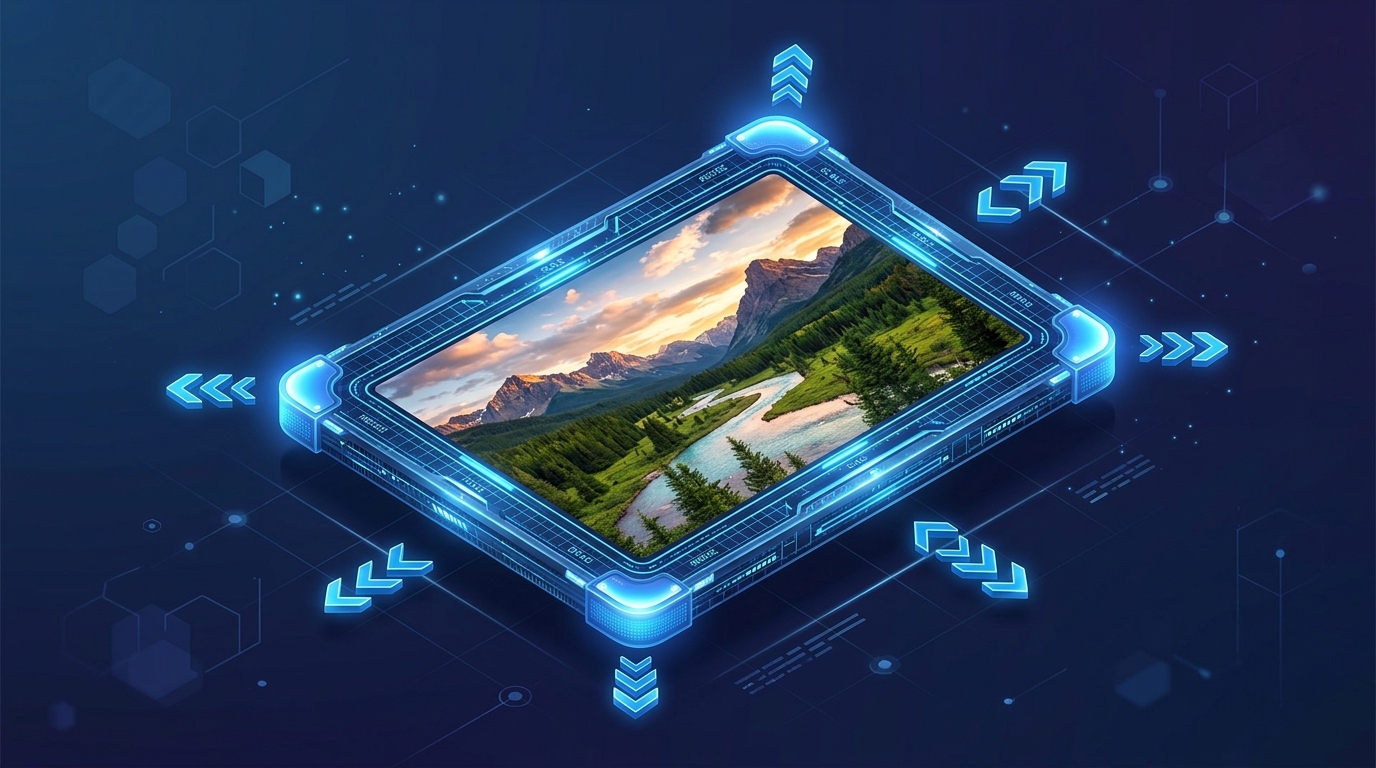
Need to upload an image for a government application, a university website, or a social media profile, but the dimensions are either too big or too small? Formatting images to exact pixel or percentage requirements can be annoying if you don’t have professional editing software. Sahioye Image Resizer is the ultimate browser-based solution to quickly resize any image with zero hassle.
Pixel
Perfect Accuracy
Local
Private Processing
100%
Free to Use
How to Resize Images Online — Step by Step
Whether you need to shrink a massive 4K photo or adjust a profile picture to exactly 500×500 pixels, follow these simple steps:
Upload Your Photo
Go to the Sahioye Image Resize tool. Drag and drop your JPG, PNG, or WebP image into the upload box. The tool will immediately load your image preview.
Set the New Dimensions
You have two choices: resize by exact Pixels (e.g., width 800px, height 600px) or by Percentage (e.g., shrink to 50% of the original size). Make sure the aspect ratio lock is enabled if you don’t want the image to look stretched.
Click “Resize Image”
Hit the resize button. Sahioye’s local JavaScript engine will instantly recalculate the pixels and provide a download button for your perfectly sized image.
💡
Pro Tip: Always keep the “Lock Aspect Ratio” checked (it is on by default). This ensures that when you change the width, the height automatically adjusts, preventing your photo from looking squeezed or distorted.
⚠️
Note: Attempting to stretch a tiny 100×100 pixel image into a 4K wallpaper will result in a blurry output. Resizing is best used to make images smaller or to make minor upward adjustments.
Why Sahioye vs Other Image Resizers
| Feature | Sahioye Image | Canva | PicResize |
|---|---|---|---|
| Privacy | ✅ 100% Local Browser Processing | ❌ Uploads to cloud | ❌ Uploads to server |
| Instant Export | ✅ One-click download | ⚠️ Requires creating a design first | ⚠️ Ad-heavy interface |
| Cost | ✅ 100% Free | ⚠️ Magic Resize is a paid Pro feature | ✅ Free |
| Signup | ✅ None | ❌ Required to export | ✅ None |
Ready to Resize Your Images?
Stop struggling with clunky desktop software or paid design tools just to change an image’s dimensions. Resize privately, locally, and instantly.
Frequently Asked Questions
[Paste these into RankMath FAQ Block in Gutenberg]
Q: Does resizing my image ruin the quality?
A: No! If you are making the image smaller, the quality will remain crystal clear. Sahioye uses high-quality interpolation to preserve image sharpness.
Q: Can I use this for government forms that require specific pixel sizes (like 200×230)?
A: Yes, absolutely! This tool is perfect for adjusting photos and signatures to match exact government portal requirements. Just switch to the “Pixels” tab and uncheck the aspect ratio lock if the form demands an exact, non-standard shape.
Q: Do you store my photos on your servers?
A: Never. Sahioye’s Image Resizer runs entirely offline inside your browser. Your images never leave your phone or computer.
Q: What image formats are supported?
A: You can resize all standard web formats including JPG/JPEG, PNG, WebP, and BMP.
–>
Related Tools You Might Find Useful
Conclusion and Final Thoughts
In conclusion, mastering how to safely Resize Images is essential for optimizing your personal digital workflow today. Rather than relying on extremely expensive native applications or confusing software suites that compromise your privacy, choosing a highly modern, incredibly fast, and fully browser-based alternative offers unparalleled flexibility. Whenever you need to efficiently resize images, you should always look for solutions that guarantee immediate processing speeds, absolute data privacy without random server uploads, and unlimited free access across all your specific devices (mobile phones, tablets, and desktop computers).
Furthermore, taking the extra time to Resize Images natively utilizing these sophisticated techniques will profoundly enhance your operational bandwidth, saving countless administrative hours in the long run. Embracing lightweight platforms allows you to completely bypass any tedious software installations or ridiculous subscription fees entirely. Ultimately, whether you are a dedicated professional, a busy digital marketer, a student, or simply someone trying to cleanly Resize Images at home, the overall benefits of adopting simple, 100% secure, offline-first client-side tool sets cannot be overstated.
Ready to Start?