Theme
How to Compress PDF Files Online Without Losing Quality — Sahioye

How to Compress PDF Files Online Without Losing Quality — Sahioye
🚀
Jump to tool: Open →
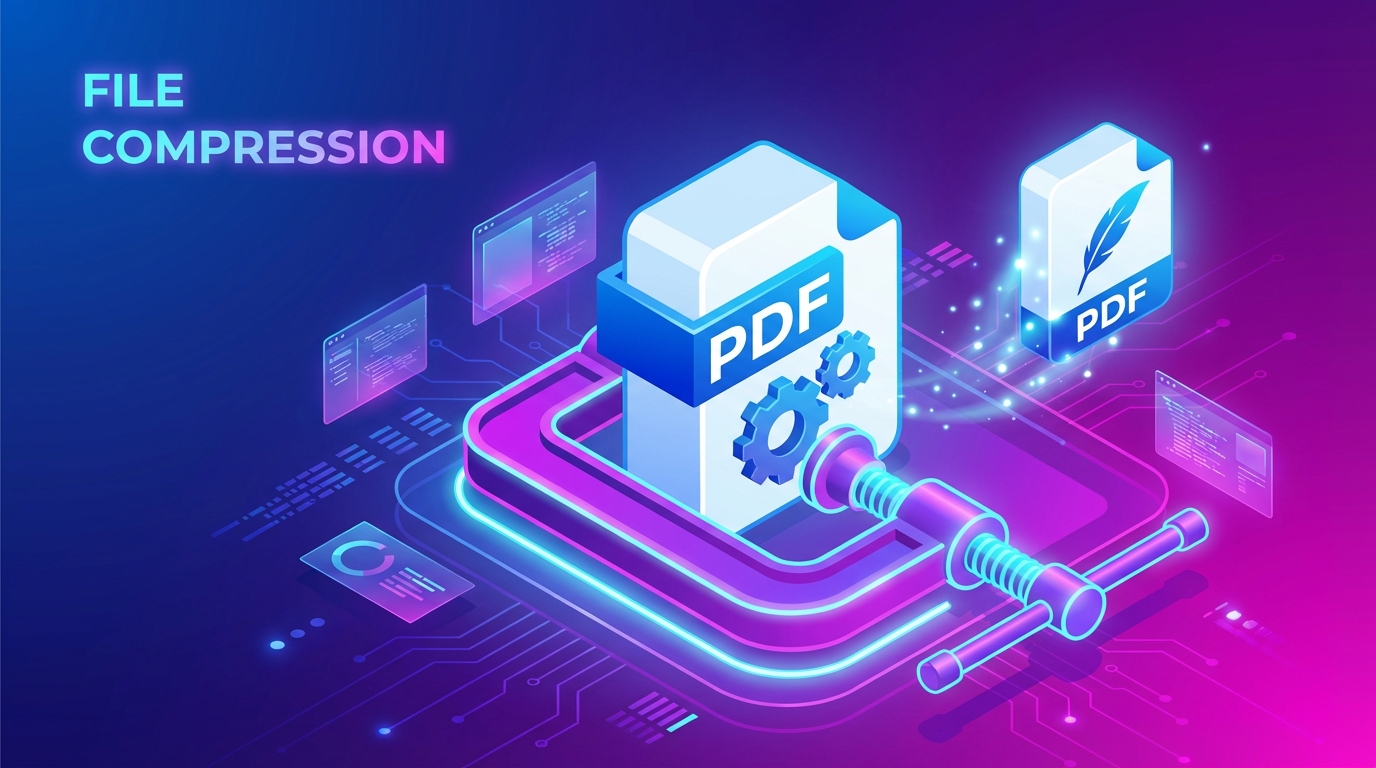
Trying to upload your resume to a job portal, or send an invoice via email, only to be hit with an annoying “File Size Exceeds Limit” error? Large PDF files are a nightmare for sharing and storage. Sahioye Compress PDF solves this instantly by shrinking your document size to the absolute minimum, while maintaining perfect readability.
~80%
Size Reduction
Secure
Offline Processing
HD
Quality Retained
How to Compress PDF Files — Step by Step
You do not need Adobe Acrobat to squash down file sizes. Here is how you can dramatically reduce your PDF weight in under a minute with Sahioye:
Select Your Large PDF
Open the Sahioye Compress PDF tool and click the upload zone. Choose the hefty PDF file that you want to shrink from your desktop or mobile storage.
Choose Compression Level
Sahioye gives you a slider. Choose whether you want ‘Maximum Compression’ (smallest file size, slightly lower image quality) or ‘Balanced Compression’ (good size drop, perfect text readability).
Compress & Download
Click “Compress PDF”. Our client-side script will rapidly strip out unnecessary metadata and compress images. Your lightweight file will download immediately, alongside a summary of how many MBs you saved!
💡
Pro Tip: Most of a PDF’s size comes from embedded fonts and high-res images. If your PDF is text-only, the compression might be minor. For image-heavy PDFs, you can expect an 80% to 90% size reduction!
ℹ️
Did you know? 90% of government portals and job application sites block PDFs larger than 2MB. Sahioye is optimized to help you hit that sweet spot effortlessly.
Why Sahioye vs Other Compressors
Most popular compressor websites are secretly transferring your sensitive documents to remote servers to do the math. We don’t.
| Feature | Sahioye PDF | SmallPDF | Adobe Online |
|---|---|---|---|
| Privacy | ✅ 100% Client-Side (Offline) | ❌ Uploads to cloud servers | ❌ Uploads to Adobe cloud |
| Bulk Compression | ✅ Allowed for free | ❌ Requires Pro subscription | ❌ Single file limitation |
| Watermarks | ✅ None, completely clean | ✅ None | ❌ Sometimes adds watermarks |
| Daily Task Limits | ✅ Infinite use | ⚠️ Maximum 2 uses per day | ⚠️ Requires account login |
Ready to Shrink Those Heavy PDFs?
Save bandwidth, make sharing easier, and bypass file size limit errors instantly with our free offline tool.
Frequently Asked Questions
[Paste these into RankMath FAQ Block in Gutenberg]
Q: Will compressing my PDF make the text blurry?
A: No. Sahioye carefully targets images and invisible raw data. Text remains razor-sharp and perfectly readable even at maximum compression levels.
Q: Is this safe for my confidential bank statements or resumes?
A: Yes! Because Sahioye runs entirely in your local web browser, your files are never uploaded to our servers. Your data cannot be leaked or hacked.
Q: Why didn’t my PDF file size reduce much?
A: If your PDF is purely text-based without any images, or if it has already been previously compressed, calculating further reduction is difficult. Compression works best on scanned documents and image-heavy files.
Q: Can I use this on Mac, Windows, and Mobile?
A: Absolutely. It runs flawlessly on Chrome, Safari, Firefox, and Edge across all operating systems.
–>
Related Tools You Might Find Useful
Conclusion and Final Thoughts
In conclusion, mastering how to safely Compress PDF is essential for optimizing your personal digital workflow today. Rather than relying on extremely expensive native applications or confusing software suites that compromise your privacy, choosing a highly modern, incredibly fast, and fully browser-based alternative offers unparalleled flexibility. Whenever you need to efficiently compress pdf, you should always look for solutions that guarantee immediate processing speeds, absolute data privacy without random server uploads, and unlimited free access across all your specific devices (mobile phones, tablets, and desktop computers).
Furthermore, taking the extra time to Compress PDF natively utilizing these sophisticated techniques will profoundly enhance your operational bandwidth, saving countless administrative hours in the long run. Embracing lightweight platforms allows you to completely bypass any tedious software installations or ridiculous subscription fees entirely. Ultimately, whether you are a dedicated professional, a busy digital marketer, a student, or simply someone trying to cleanly Compress PDF at home, the overall benefits of adopting simple, 100% secure, offline-first client-side tool sets cannot be overstated.
Ready to Start?