Theme
How to Merge PDF Files Online Free — Sahioye Merge PDF

How to Merge PDF Files Online Free — Sahioye Merge PDF
🚀
Jump to tool: Open Merge PDF →
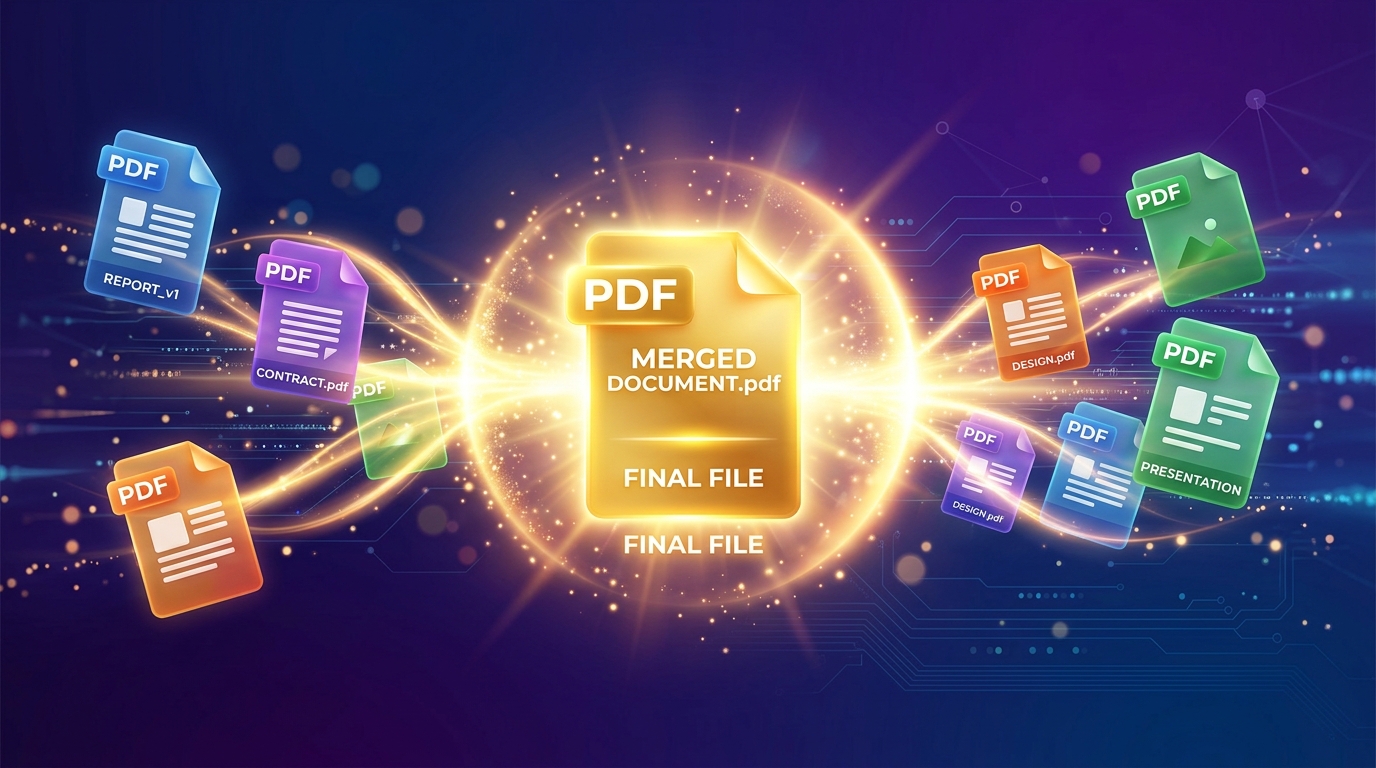
Do you have multiple PDF files—like scanned ID proofs, different chapters of a book, or various invoices—that you need to combine into one single document? Finding a tool to do this without downloading heavy software or paying a subscription fee can be frustrating. Sahioye Merge PDF does exactly this: combining your PDFs instantly in your browser without compromising your privacy.
100%
Private & Local
0
Server Uploads
Free
Forever
How to Merge PDF Files — Step by Step
Merging your files with Sahioye is incredibly simple and takes less than 10 seconds. Follow these steps:
Upload Your PDF Files
Go to the Sahioye Merge PDF tool. Click the upload button or simply drag and drop your PDF files into the designated area. You can select as many files as you need.
Reorder the Pages
Once your files are loaded, you will see a preview of each document. You can easily drag and drop the file cards to change the sequence in which they will be merged. The file on top will be the first page of your final document.
Click “Merge PDFs” and Download
Happy with the order? Hit the purple “Merge PDFs” button. Because everything runs locally in your browser, the process is instant. Your new combined PDF will automatically download to your device.
💡
Pro Tip: Sahioye stands out because you can also merge password-protected PDFs! As long as you know the password to open them, our tool handles the encryption automatically during the merge process.
⚠️
Note: While there are no hard file limits, merging files over 150MB simultaneously might take longer on budget mobile devices. For massive files, using a desktop browser ensures the smoothest experience.
Why Sahioye is Better Than Other PDF Tools
There are many tools out there like iLovePDF or SmallPDF, but Sahioye takes a fundamentally different, user-first approach. Here is how we compare:
| Feature | Sahioye PDF | iLovePDF | SmallPDF |
|---|---|---|---|
| Privacy & Security | ✅ 100% Local Browser Processing | ❌ Uploads files to their server | ❌ Uploads files to their server |
| Free Usage Limit | ✅ Unlimited tasks per day | ⚠️ 2 tasks per day limit | ⚠️ Restricted bulk processing |
| Signup / Account | ✅ No Signup Required | ❌ Account needed for premium | ❌ Forced account creation |
| Speed | ✅ Instant (Zero upload delay) | ⚠️ Slow due to file uploading | ⚠️ Slow due to file uploading |
Ready to Merge Your Documents?
Stop worrying about your private tax documents or personal IDs being stored on unknown cloud servers. Combine your PDFs locally and quickly right now.
Frequently Asked Questions
[Paste these into RankMath FAQ Block in Gutenberg]
Q: Is Sahioye Merge PDF really free?
A: Yes, absolutely! There are no hidden charges, no premium tiers, and zero limits on how many times you can use the tool in a single day.
Q: Are my confidential PDF files uploaded to your servers?
A: No. Sahioye is built with privacy-first browser technology. Your files are processed using your device’s own memory (RAM) and never touch our servers.
Q: Can I merge PDFs on my mobile phone?
A: Yes! Sahioye works perfectly on Android and iPhones. However, for extremely large files (100MB+), a desktop browser might perform slightly faster.
Q: Does merging PDFs reduce the quality of my document?
A: Not at all. Merging simply stitches the files together without compressing or altering the original image quality and text clarity.
–>
Related Tools You Might Find Useful
Conclusion and Final Thoughts
In conclusion, mastering how to safely Merge PDF is essential for optimizing your personal digital workflow today. Rather than relying on extremely expensive native applications or confusing software suites that compromise your privacy, choosing a highly modern, incredibly fast, and fully browser-based alternative offers unparalleled flexibility. Whenever you need to efficiently merge pdf, you should always look for solutions that guarantee immediate processing speeds, absolute data privacy without random server uploads, and unlimited free access across all your specific devices (mobile phones, tablets, and desktop computers).
Furthermore, taking the extra time to Merge PDF natively utilizing these sophisticated techniques will profoundly enhance your operational bandwidth, saving countless administrative hours in the long run. Embracing lightweight platforms allows you to completely bypass any tedious software installations or ridiculous subscription fees entirely. Ultimately, whether you are a dedicated professional, a busy digital marketer, a student, or simply someone trying to cleanly Merge PDF at home, the overall benefits of adopting simple, 100% secure, offline-first client-side tool sets cannot be overstated.
Ready to Start?